modules.vangogh package
-
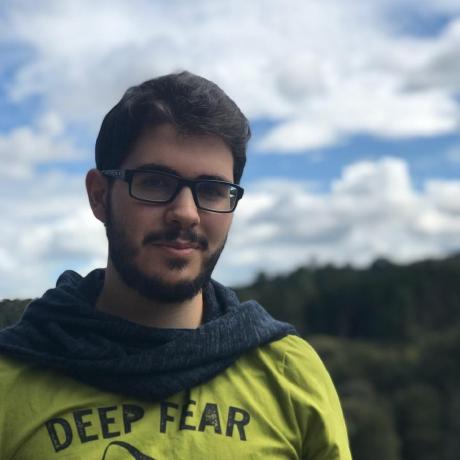
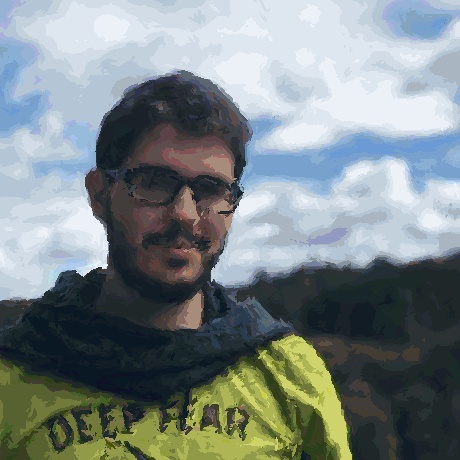
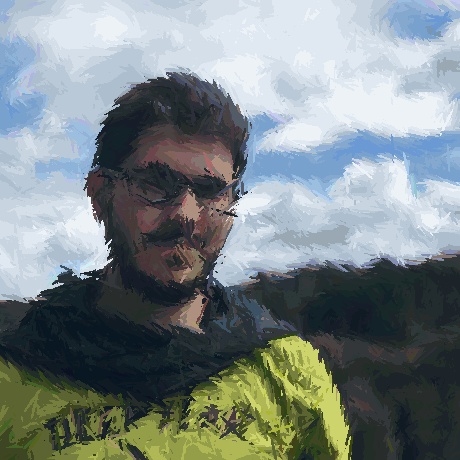
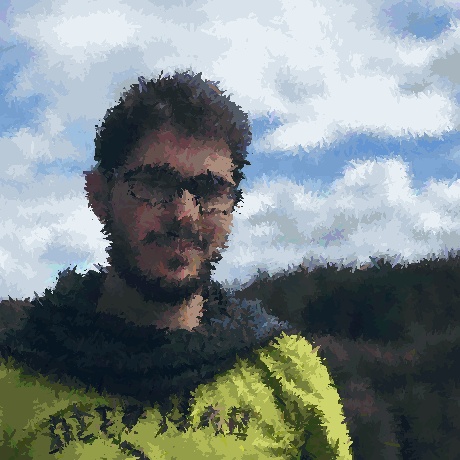
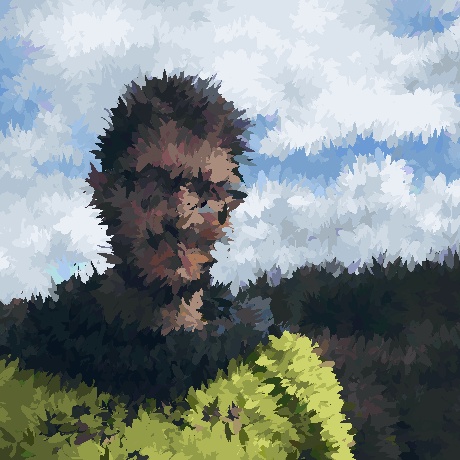
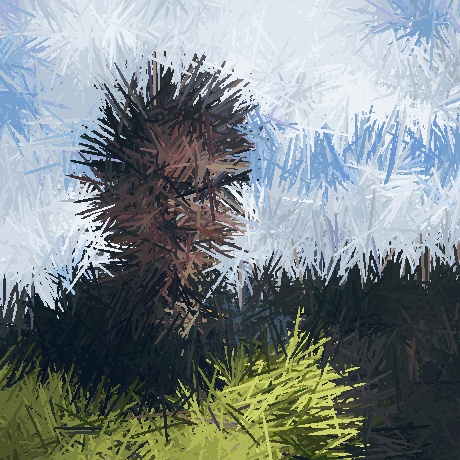
modules.vangogh.vangogh(img: numpy.ndarray, area: List[int] = None, face: bool = False, batch_size: int = 10000, blur_size: int = 3, stroke_length_range: List[int] = [2, 8], stroke_angle: int = 90, stroke_start_angle: int = 0, stroke_end_angle: int = 360, stroke_scale_divider: int = 1000) → numpy.ndarray¶ Applies the vangogh filter to given image. This filter is about simulating kind of brush strokes based on image color palette with different configuration parameters.
- Parameters
img (ImageType) – A numpy array representing an Image
area (List[int]) – img area (x, y, w, h) to apply the filter, defaults to None
face (bool) – If True filter is applied to img face area (if exists), defaults to False
batch_size (int) – not so useful, defaults to 10000
blur_size (int) – Gaussian Blur kernel size, defaults to 3
stroke_length_range (List[int]) – [min, max] range for strokes length, defaults to [2, 8]
stroke_angle (int) – Whole strokes rotation angle, defaults to 90
stroke_start_angle (int) – Strokes start angle, defaults to 0
stroke_end_angle (int) – Strokes end angle, defaults to 360
stroke_scale_divider (int) – [description], defaults to 1000
- Return ImageType
Resulting image
- Return type
ImageType