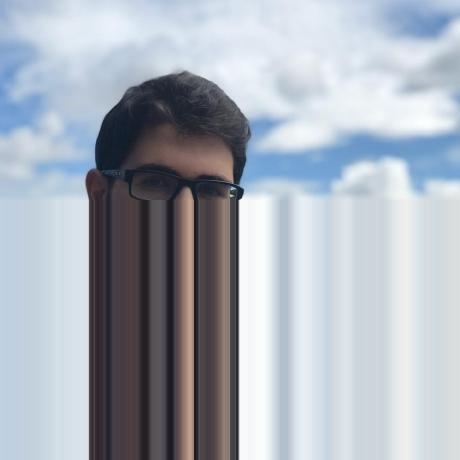
modules.glitches package
-
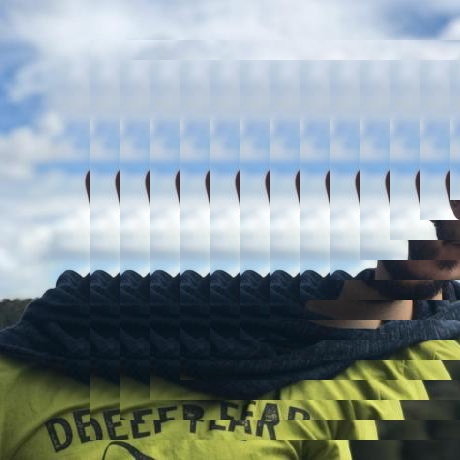
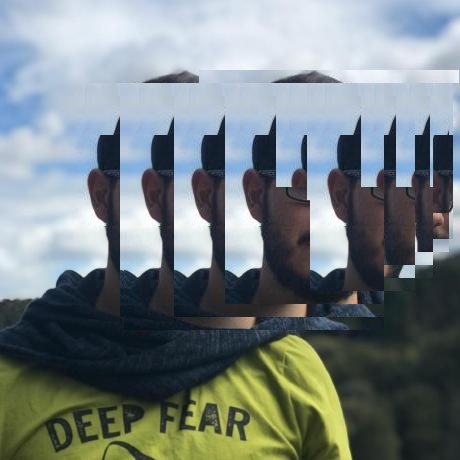
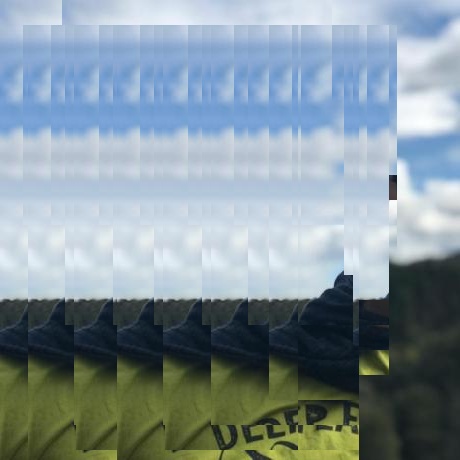
modules.glitches.abstract_glitch(img: numpy.ndarray, area: List[int] = None, translation_x: List[int] = [0, 0], n_slices: int = 20) → numpy.ndarray¶ - Applies a glitch based on a pattern of repetition of rectangles in the specified area
of the given image.
- Parameters
img (ImageType) – A numpy array representing an image
translation_x (List[int]) – [min, max] range for generating random glitch rectangles width
area (List[int]) – img area (x, y, w, h) to apply the filter, default to None (all image)
n_slices (int) – nº of glitch ‘slices’ that will appear in the provided area, defaults to 20
- Returns
Resulting image
- Return type
ImageType

-
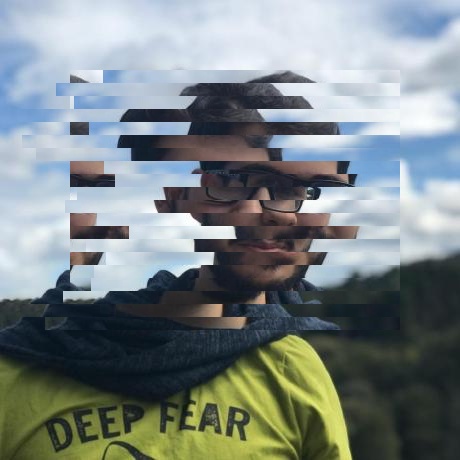
modules.glitches.cycle_glitch(img: numpy.ndarray, area: List[int], translation_x: List[int], n_slices: int = 20) → numpy.ndarray¶ Draws kind of ‘artificial’ glitch effect on the specified area of the provided image, by drawing different distortioned ‘slices’. This is like the
glitch()but making the slices follow a cyclic distortion.- Parameters
img (ImageType) – A numpy array representing an image
translation_x (List[int]) – [min, max] range for generating random glitch slices width
area (List[int]) – img area (x, y, w, h) to apply the filter, default to None (all image)
n_slices (int) – nº of glitch ‘slices’ that will appear in the provided area, defaults to 20
- Returns
Resulting image
- Return type
ImageType
-
modules.glitches.glitch(img: numpy.ndarray, area: List[int] = None, translation_x: List[int] = [0, 0], face: bool = False, n_slices: int = 20) → numpy.ndarray¶ Draws kind of ‘artificial’ glitch effect on the specified area of the provided image, by drawing different distortioned ‘slices’.
- Parameters
img (ImageType) – A numpy array representing an image
translation_x (List[int]) – [min, max] range for generating random glitch slices width
area (List[int]) – img area (x, y, w, h) to apply the filter, default to None (all image)
face (bool) – If True filter is applied to img face area (if exists), defaults to False
n_slices (int) – nº of glitch ‘slices’ that will appear in the provided area, defaults to 20
- Returns
Resulting image
- Return type
ImageType
-
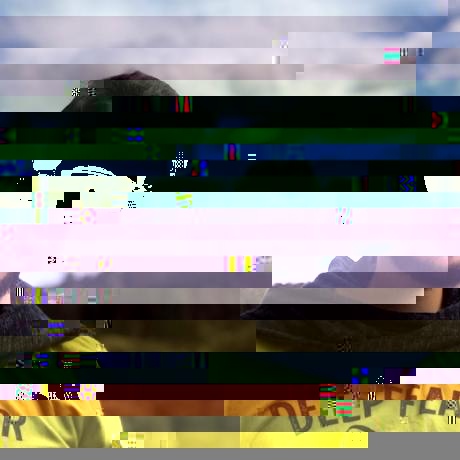
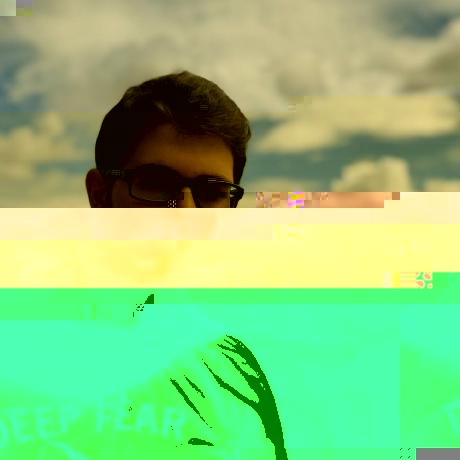
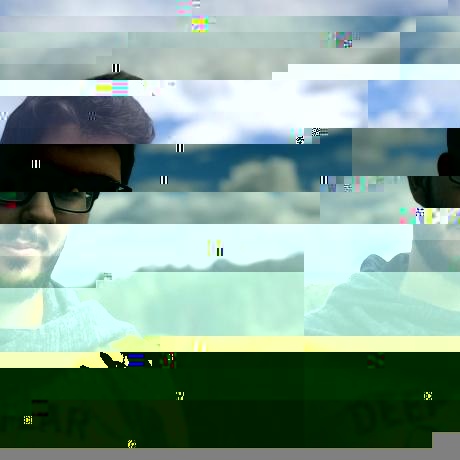
modules.glitches.glitch_bytes(img: str, intensity: float = 0.1) → numpy.ndarray¶ This is the classic random glitch filter for an image. It depends on the provided image extension and returns a ‘random’ result of glitching & deforming the image. So my suggestion is to test it multiple times with the same image to see the different kinds of possible results. For now, it works with .jpg, .jpeg, .png, .bmp, .gif and .tiff. I recommend you to highly reduce the intensity for large images.
- Parameters
img (str) – The filepath of the image
intensity (float) – Image deformation intensity, defaults to 0.1
- Returns
Glitched image
- Return type
ImageType
-
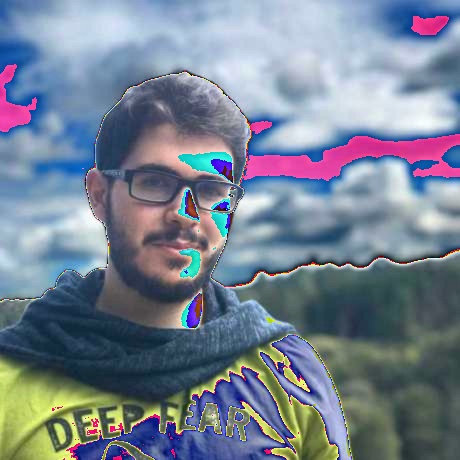
modules.glitches.glitch_plasma(img: numpy.ndarray, kernel: Tuple[int] = 3, 3) → numpy.ndarray¶ Applies a color-sections based glitch to the given image.
- Parameters
img (ImageType) – A numpy array representing an image
kernel (Tuple[int]) – Kernel to apply to the gaussian blur filter
- Returns
Resulting image
- Return type
ImageType
-
modules.glitches.multiply(img: numpy.ndarray, factor: int) → numpy.ndarray¶ not documented yet
-
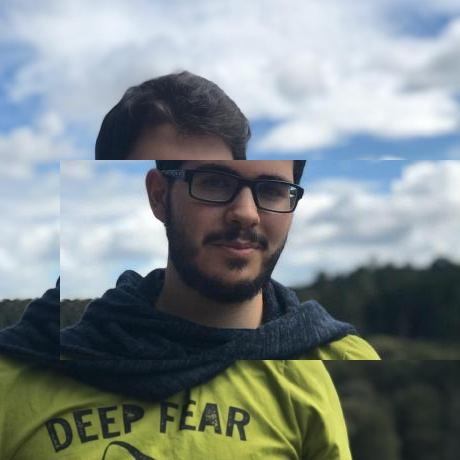
modules.glitches.offset_rect(img, start_x: int, start_y: int, chunk_length: int, side: str) → numpy.ndarray¶ Select a rectangle with the provided data whithin the image and translates it left or right as desired.
- Parameters
img (ImageType) – A numpy array representing an image
start_x (int) – x start position for the rectangle
start_y (int) – y start position for the rectangle
chunk_length (int) – rectangle width
side (int) – ‘left’ or ‘right’ for the rectangle’s position
- Returns
Resulting image
- Return type
ImageType
-
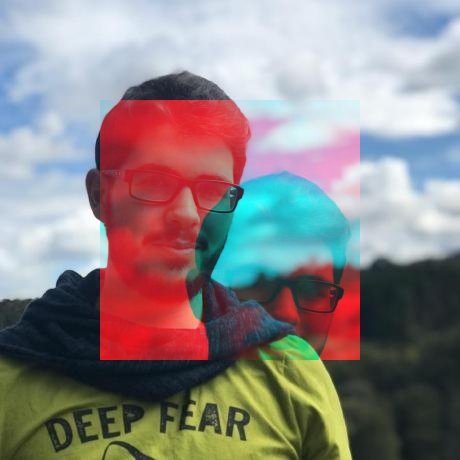
modules.glitches.offset_rect_colorized(img: numpy.ndarray, area: List[int], channel: int = 1, randomize: bool = False) → numpy.ndarray¶ Takes the desired area of the provided image and makes a ‘colorized translation’ of it based on the provided color channel of the (0,0, area_w,area_h) selection of the image.
- Parameters
img (ImageType) – A numpy array representing an image
area (List[int]) – img area (x, y, w, h) to apply the filter, default to None (all image)
channel (int) – Color channel to modify. You can pass a range as an slice, defaults to 1
randomize (bool) – If True, randomized the area offset, defaults to False
- Returns
Resulting image
- Return type
ImageType
-
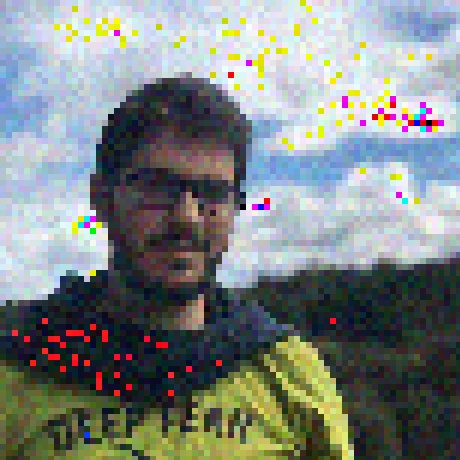
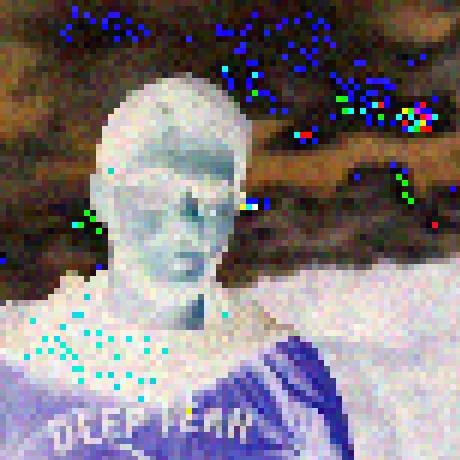
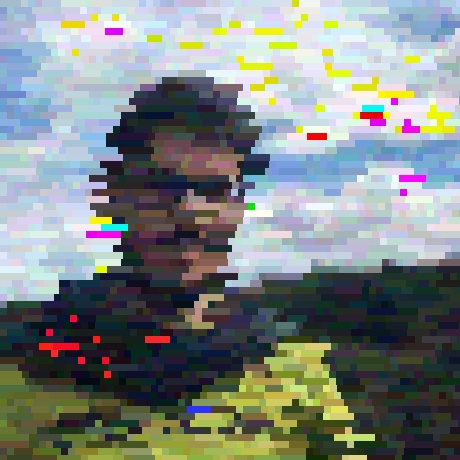
modules.glitches.pixelize_glitch(img: numpy.ndarray, area: List[int], n_slices: int, gtype: str = 'random', by_pixel: bool = True, channel: int = None, random_slice_width_range: List[int] = [90, 220], random_color_range: List[int] = [15, 260], skip_slices_range: List[int] = None) → numpy.ndarray¶ Draws a pattern of colorized pixel or slice over the area of the provided image. It can be with random colors or based on image palette.
- Parameters
img (ImageType) – A numpy array representing an image
area (List[int]) – img area (x, y, w, h) to apply the filter, default to None (all image)
n_slices (int) – nº of glitch ‘rows’ that will appear in the provided area
gtype (str) – ‘image_based’, ‘image_based_inv’, ‘image_based_rand’ or ‘random’, defaults to ‘random’
by_pixel (bool) – If true, the colorize process will be applied to each pixel, if False it will be applied to slices of a determined width, defaults to True
channel (int) – Color channel to modify. You can pass a range as an slice, defaults to None
random_slice_width_range (List[int]) – min/max of the range for randomly choose each slice width, defaults to [90, 220]
random_color_range (List[int]) – min/max of the range in which random colors will be generated, defaults to [15, 260]
skip_slices_range (List[int]) – min/max of a range for randomly exclude some rows of this effect, defaults to None
- Returns
Resulting image
- Return type
ImageType
-
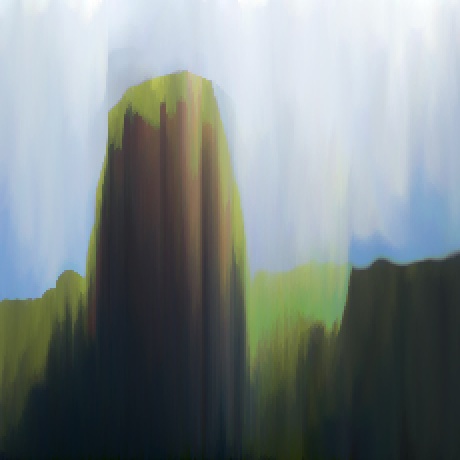
modules.glitches.pixelize_glitch_vanish(img: numpy.ndarray, sampling_factor: int) → numpy.ndarray¶ This is a particular glitch that applies a kind of ‘vanish’ effect to image content based on the sampling factor provided. The result depends of the sampling factor which sould be based on the image size.
- Parameters
img (ImageType) – A numpy array representing an image
sampling_factor (int) – Represents the intensity of the ‘vanish’ applied to the image. As greater, more distorsion more ‘pixelized’ the image will look like
- Returns
Resulting image
- Return type
ImageType
-
modules.glitches.spilled_glitch(img: numpy.ndarray, area: List[int], start_pos: int, vertical: bool = False) → numpy.ndarray¶ Spills down or right the area up/left header pixel colors creating a cascade of colorized lines.
- Parameters
img (ImageType) – A numpy array representing an image
area (List[int]) – img area (x, y, w, h) to apply the filter, default to None (all image)
start_pos (int) – y/x point where to start spilling from, depending on vertical parameter
vertical (bool) – If True, spilled is applied based on an x start pos, else is based on the y start_pos, defaults to False
- Returns
Resulting image
- Return type
ImageType